How to identify and Support Teams Needing Assistance in Tandem
Teams with lower team check scores fall into specific categories based on their data:
- Needs Support
- Approaching Trouble
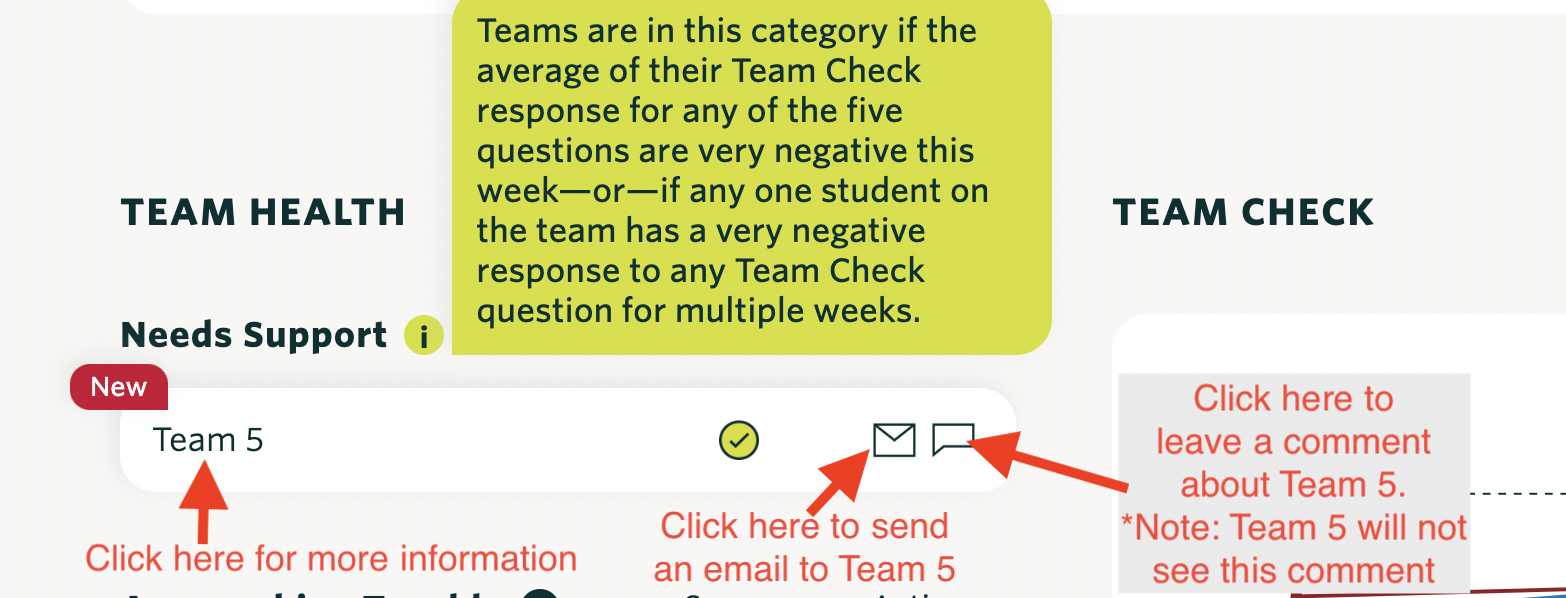
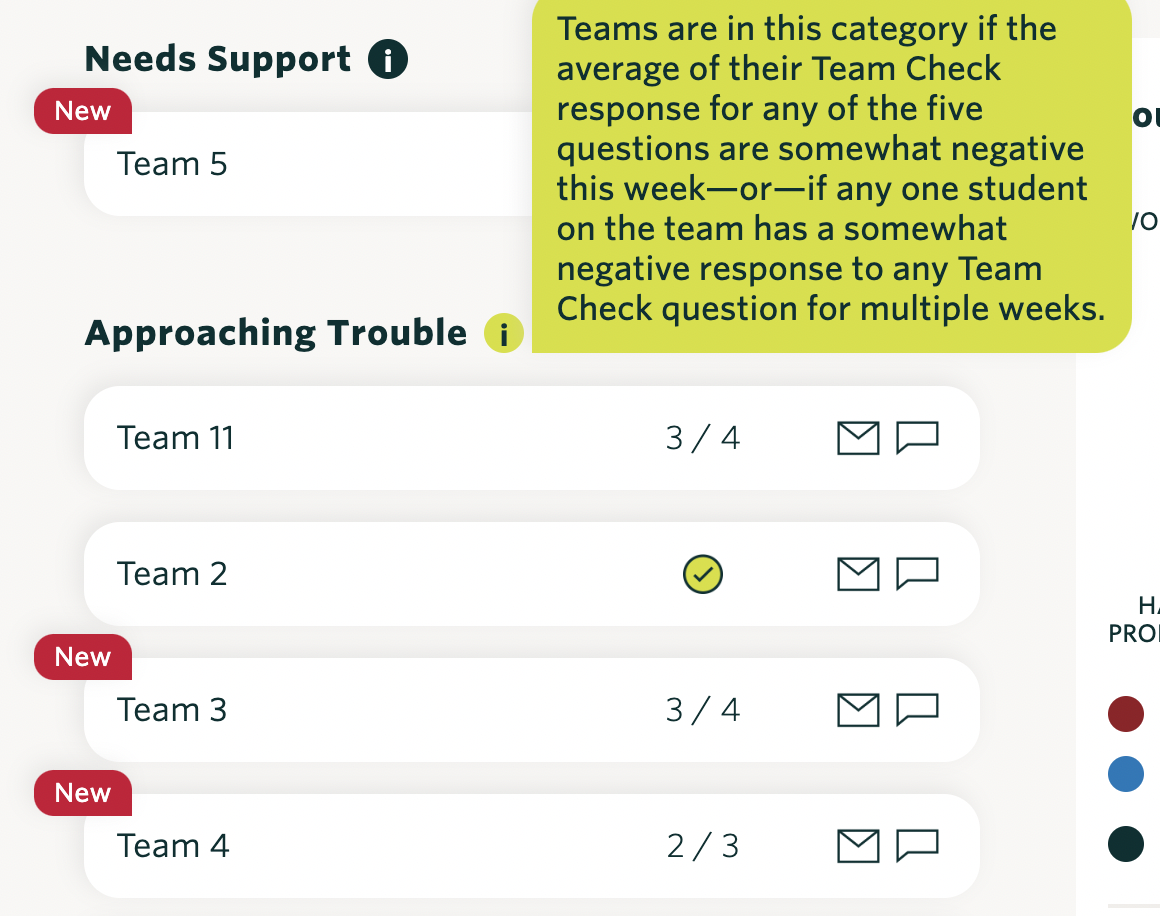
To investigate more about a team that needs support, follow these steps:
- Click on the Team Name:
- In this example, select “Team 5”.
- Review the Team Check Data:
- Look under the team check visualization to see why Tandem has flagged the team for support. Tandem indicates that Team 5’s average scores for equal workload (TC_Workload) and sharing ideas (TC_IdeaEquity) have fallen below the threshold score of 4 for two consecutive weeks.
- Click on “Details”:
- Located in the upper right, in the same row as “Results”.
- Review the Team Check Details Page:
- Examine the issues team members have identified, listed beneath the graph.
- For Team 5, the data suggests struggles with dividing work and planning, confirmed by both the team check data and specific comments from team members.
- After reviewing this data, decide on the appropriate intervention. Options include:
- Sending an email to the team.
- Leaving a comment for the instructional staff from your Tandem overview page.
- Reaching out to the team outside of Tandem.