Adding or Removing Instructional Staff
You can add or delete administrators (e.g. teaching assistants or GSIs) in the Tandem course. Once you add someone as the owner, you cannot remove an owner. If you need to remove someone who is listed as an owner, please reach out to us at tandem-support@umich.edu
Add administrator (GSIs or other instructors)
- Log in to Tandem
- Click “Menu” in the upper left corner.
- Click “Accounts”.
- Click “Add Account”
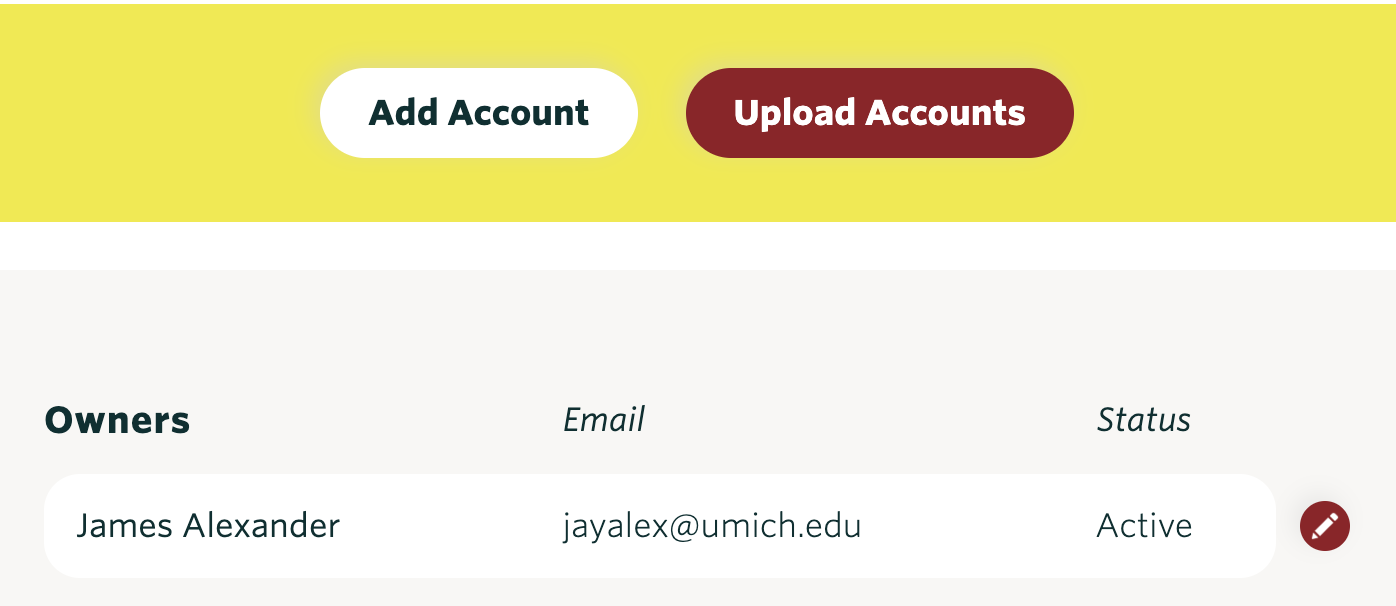
- Input the person’s first and last name, email address, and access level. –There are two access levels: owner and assistant. The permission in the course are basically the same for the two levels, but assistants don’t get automatic access to past and future courses, while owners do.
- Once you finish editing, click “save”.
Remove assistant
- Log in to Tandem
- Click “Menu” in the upper left corner.
- Click “Accounts”.
- Click “the pencil icon” next to the account name
- Click “Delete”.

- Click “Save”.